

Create a flag
In the dashboard, open Layers and pick Feature flag from the New layer menu. The dialog asks for:- Flag name — the layer’s name. The key is derived from it.
- Key — what your code reads, as a
snake_casesuffix under a parameter group.checkout.social_proofis the groupcheckoutplus the suffixsocial_proof; themaingroup has no prefix. - Type —
booleanby default. Astringornumberflag can carry allowed values, which turns it into an enum such aslegacy | v2 | hybrid. - Off value — the parameter default, what everyone gets while the flag is off.
- On value — what the flag’s policy serves.
- Turn on now — creates the flag’s policy running instead of as a draft.
Feature flag — <flag name>, so it is recognisable in every policy list of the project. The footer of the dialog states exactly what will be created, and the confirmation shows the three objects with their state.
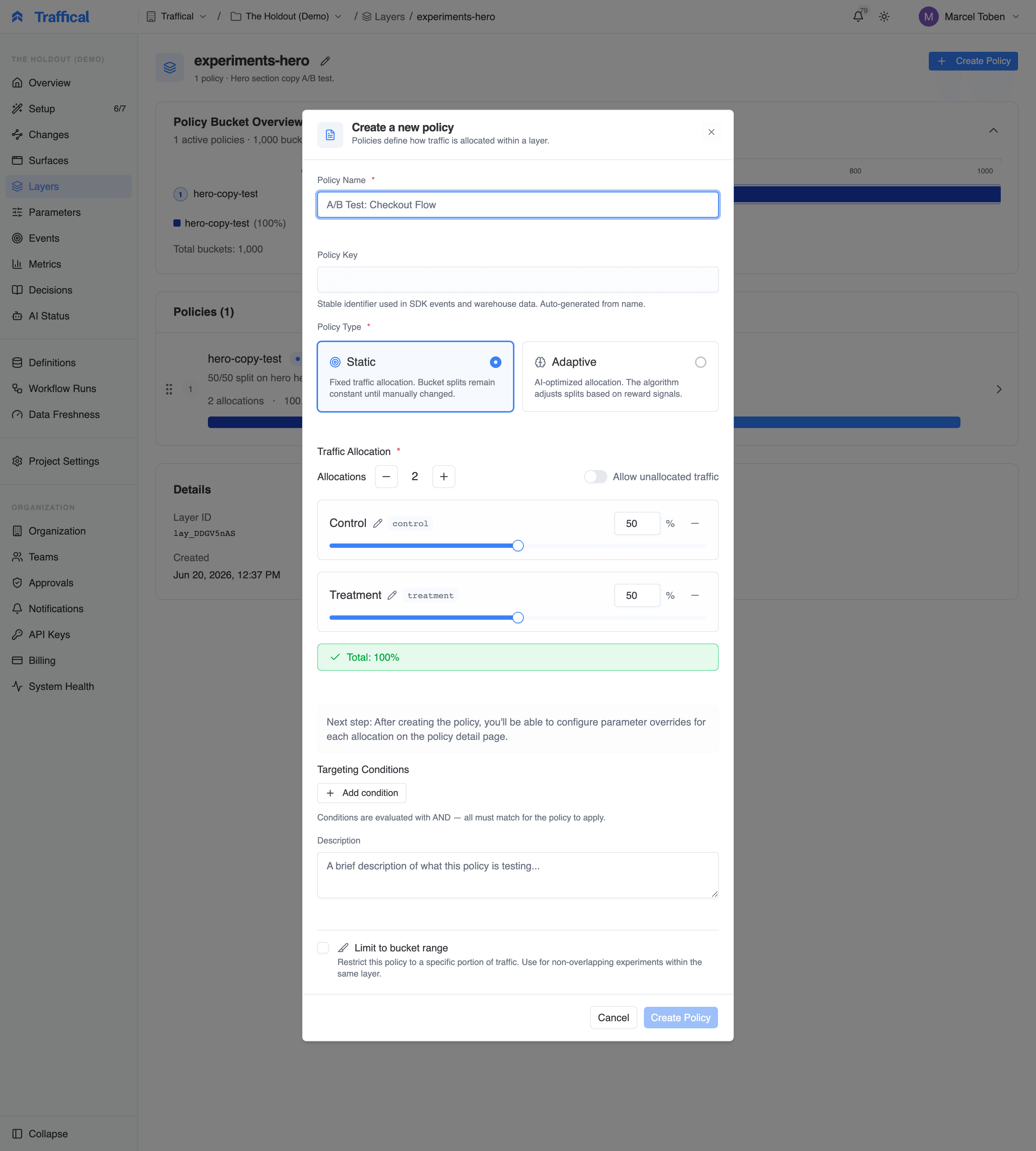
Create a feature flag
Read it in code
Nothing about the SDK changes. A flag is a parameter:Switch it on and off
Turning a flag on means the flag’s policy is running. Turning it off means it is paused. Either way, every user gets the parameter’s default while nothing runs. Because on and off are policy transitions, they carry the same audit trail and, where your organization has configured them, the same approvals as any other policy start. The parameter’s default stays the off value. Changing the default changes what every policy in the layer treats as the baseline, so use it to change what “off” means, not as the switch.Target it
Add targeting conditions to the flag’s policy to serve the on value only to users whose context matches: a plan, a country, a list of user ids. A flag’s policy is created with targeting declared as a live edit, so the conditions can change while the flag is on. Each change asks for a reason and lands on the audit trail and the policy’s decision log. The setting lives on the policy’s Settings tab under Live edits; an A/B test on the same parameter does not get it, because changing who is measured mid-flight would invalidate the comparison. A flag’s policy is also created with the Assignments flowing and Per-allocation floor health checks at Monitor: a flag targeted at a small audience may see no assignment for hours, and that is not an incident. The other checks keep the project’s levels; change any of them under the policy’s Settings tab → Health checks.Roll it out gradually
Narrow the flag policy’s allocation to a share of the layer and widen it over time with a rollout. Users inside the range get the on value; everyone else keeps the default. Health checks can pause or roll back the ramp before a human notices.Test it
Add a policy with two allocations to the flag’s layer, one serving the off value and one serving the on value. That policy is an A/B test on the flag: same parameter, same layer, same SDK code. When the test is done, complete it and start the flag’s policy with the winning value.Kill switches
A kill switch is a flag whose off value istrue. The flag’s policy serves false, and you keep it as a draft until you need it. Starting it turns the feature off for every user within the SDK’s refresh interval (default 60s). For a faster guarantee, reduce refreshIntervalMs on the client.
Enum flags
Astring flag with allowed values legacy, v2, and hybrid is one parameter that can take three values. Off is one of them, on is another, and a test can compare all three. The allowed values are enforced on every policy that overrides the parameter.
When a flag is not enough
If you find yourself adding more booleans to control one feature (show_new_layout, use_new_copy, apply_new_discount), create a Standard layer instead and give it several typed parameters:
Next steps
Rollouts
Progressive ramp with health checks.
A/B testing
From a flag to a real A/B test.
Layers
Why a flag gets its own layer.
Parameters
Beyond booleans — typed values.